
Get the app
Put the Academy on your phone. It takes about 30 seconds.
 AE Academy
Which looks like the bottom of your Safari?
Open the Academy in Safari.
Tap next to the web address, at the bottom of the screen.

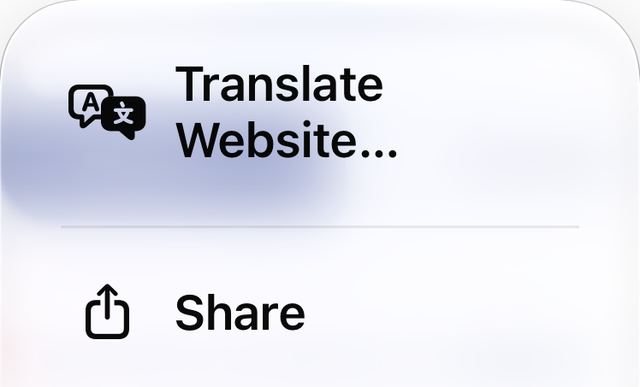
Tap Share.
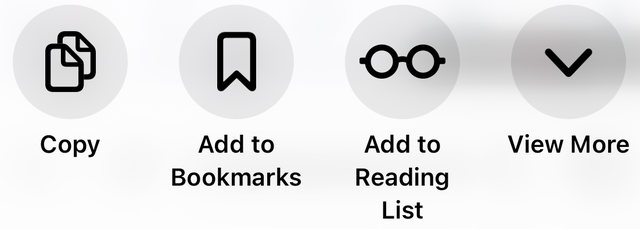
Tap View More, then Add to Home Screen.
Tap Add. Then open the Academy from its new icon and sign in.
Then turn on notifications
Get a reminder before each live class, and know when Shana writes back.
Open the app, sign in, then go to Me → Settings.